
How to join
Run with us
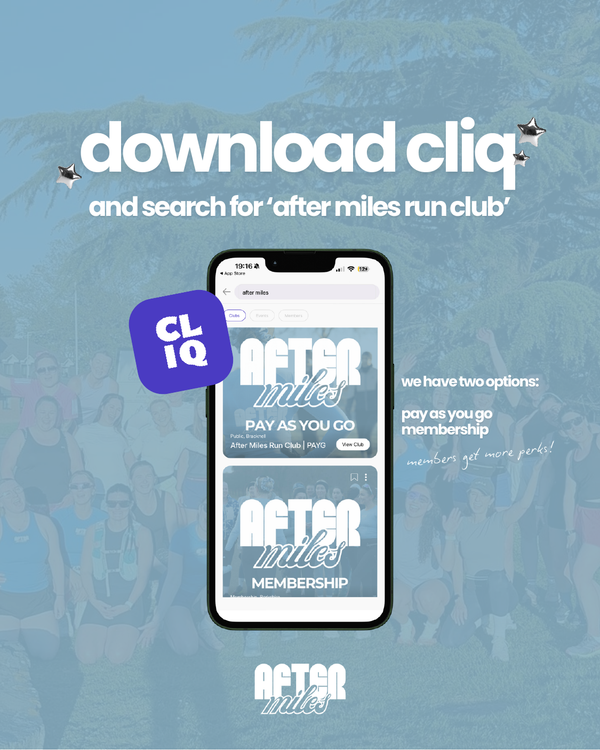
Download CLIQ, search for After Miles Run Club, and choose the option that works best for you.
Step by step
How to book your first run
Seven steps from downloading the app to checking in on the day.
-
1
Download CLIQ
Search for After Miles Run Club in the app.
-
2
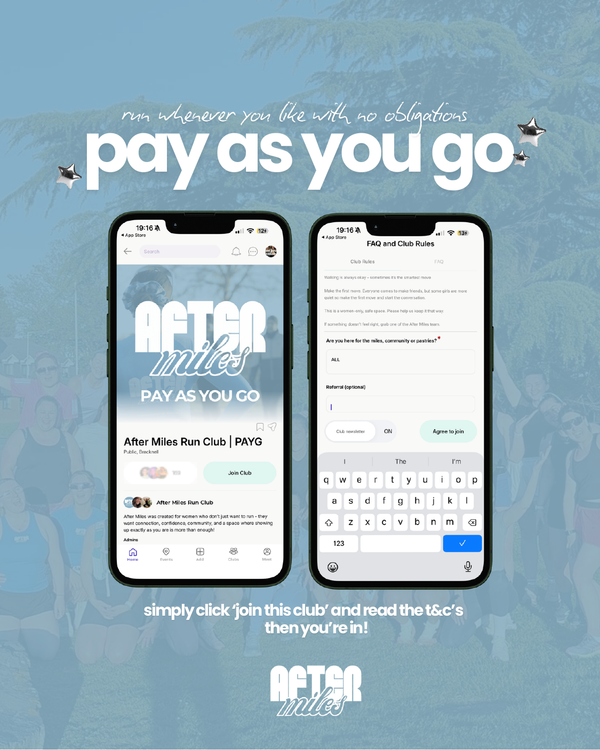
Choose your option
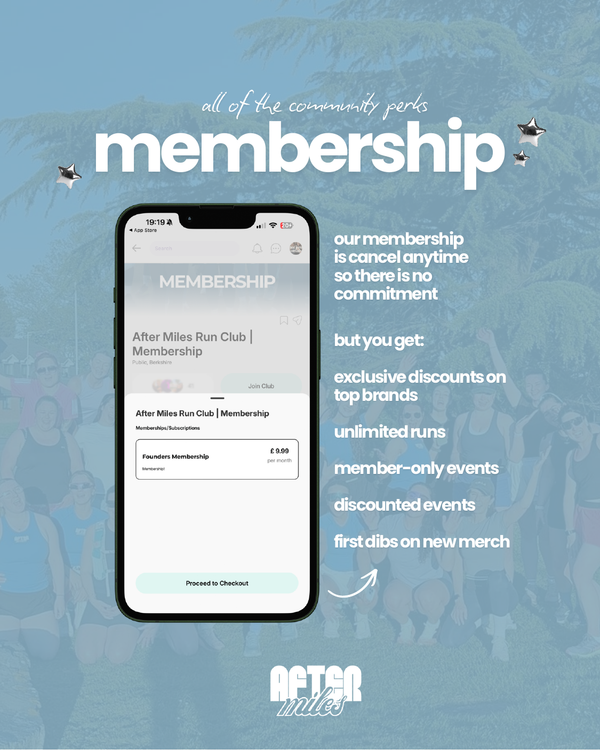
Select Pay As You Go or Membership, then tap "Join this club".
-
3
Accept the terms
Read and accept the terms and conditions.
-
4
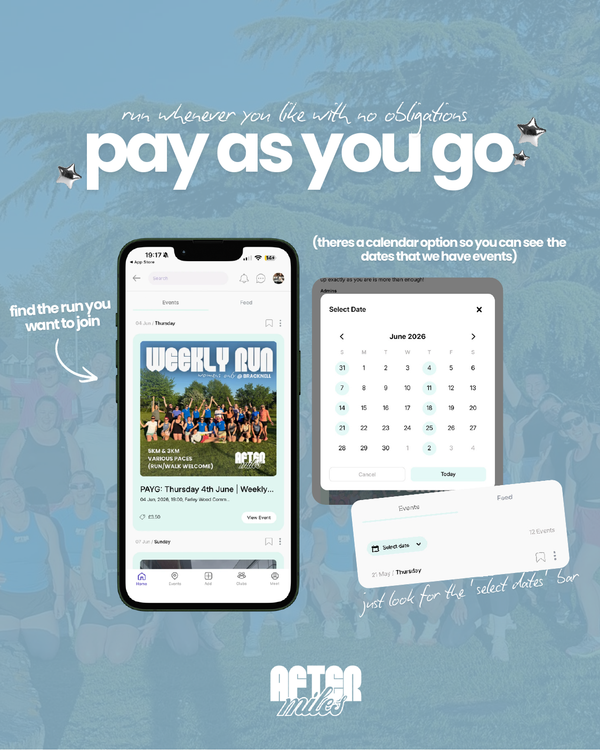
Open the calendar
Choose the run you want to attend.
-
5
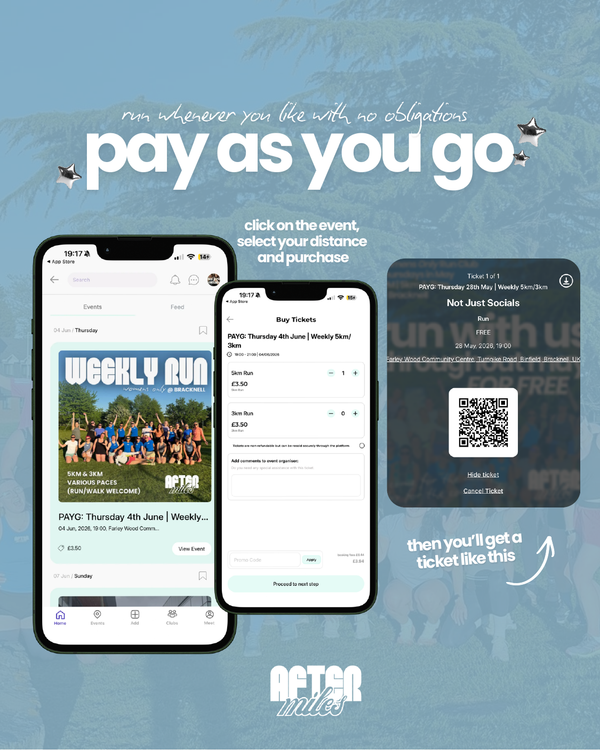
Pick your distance
Select the available distance, then book or purchase your ticket.
-
6
Get your ticket
Your ticket and event details will appear in CLIQ.
-
7
Check in and run
Bring your QR code on the day and check in with the After Miles team.
What it looks like in the app
Follow along
Still got questions?
Paces, pregnancy, injuries, coming alone — it's all answered on the FAQ.